
How It Works
From family data to finished heirloom.
The process is designed to be clear and collaborative. You provide the family history data, we create the chart, you review a digital proof, and the final approved design is professionally printed.
Step 1: Choose Your Chart
Select the chart style, material, and starting person or people. Charts can begin with one individual or siblings (or even a couple with the center left empty).
Step 2: Send Your Family Data
The easiest way to begin is with a GEDCOM file exported (UTF-8 or Unicode format) from your genealogy software or website. Many clients use platforms such as Ancestry®, MyHeritage®, FamilySearch®, Family Tree Maker®, RootsMagic®, MacFamilyTree®, or Legacy Family Tree®.
You may also provide an organized spreadsheet (CSV format).
Once we receive your file, we’ll review it and provide a fixed quote before beginning your project. If extensive genealogy cleanup is recommended, we’ll discuss the options with you before any work begins.
Step 3: We Prepare Your Design
After your quote is approved and the 50% design fee is received, we create your custom chart.
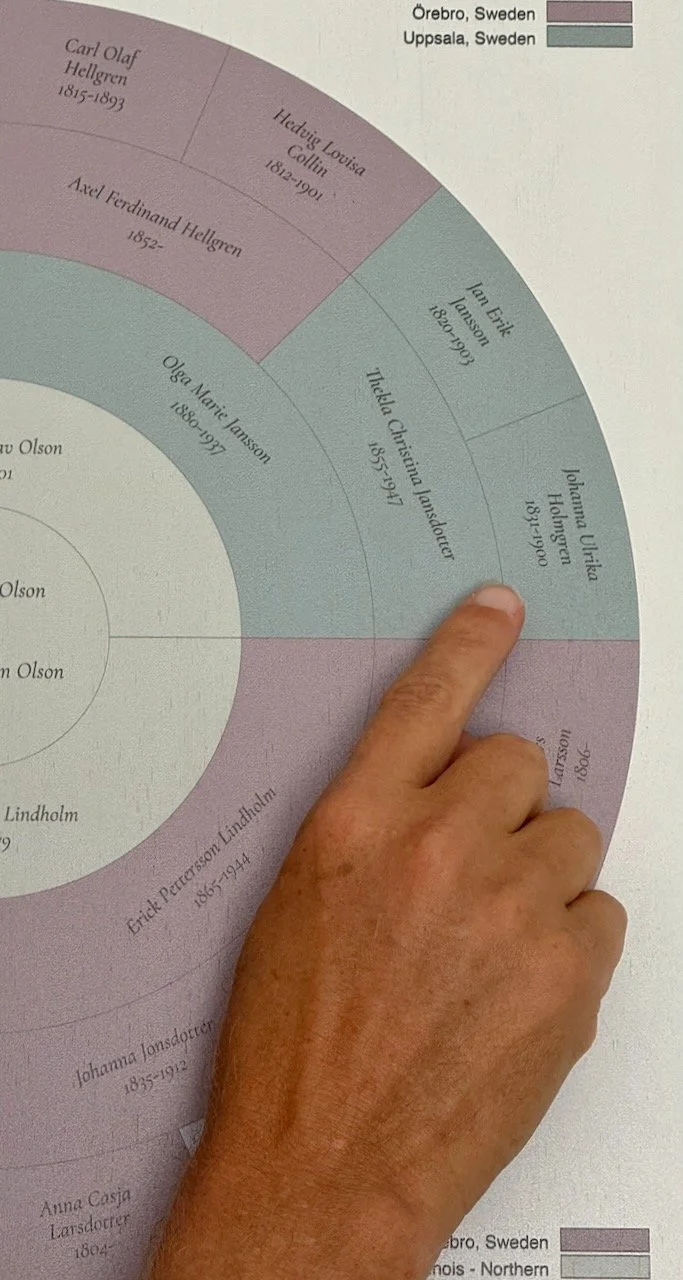
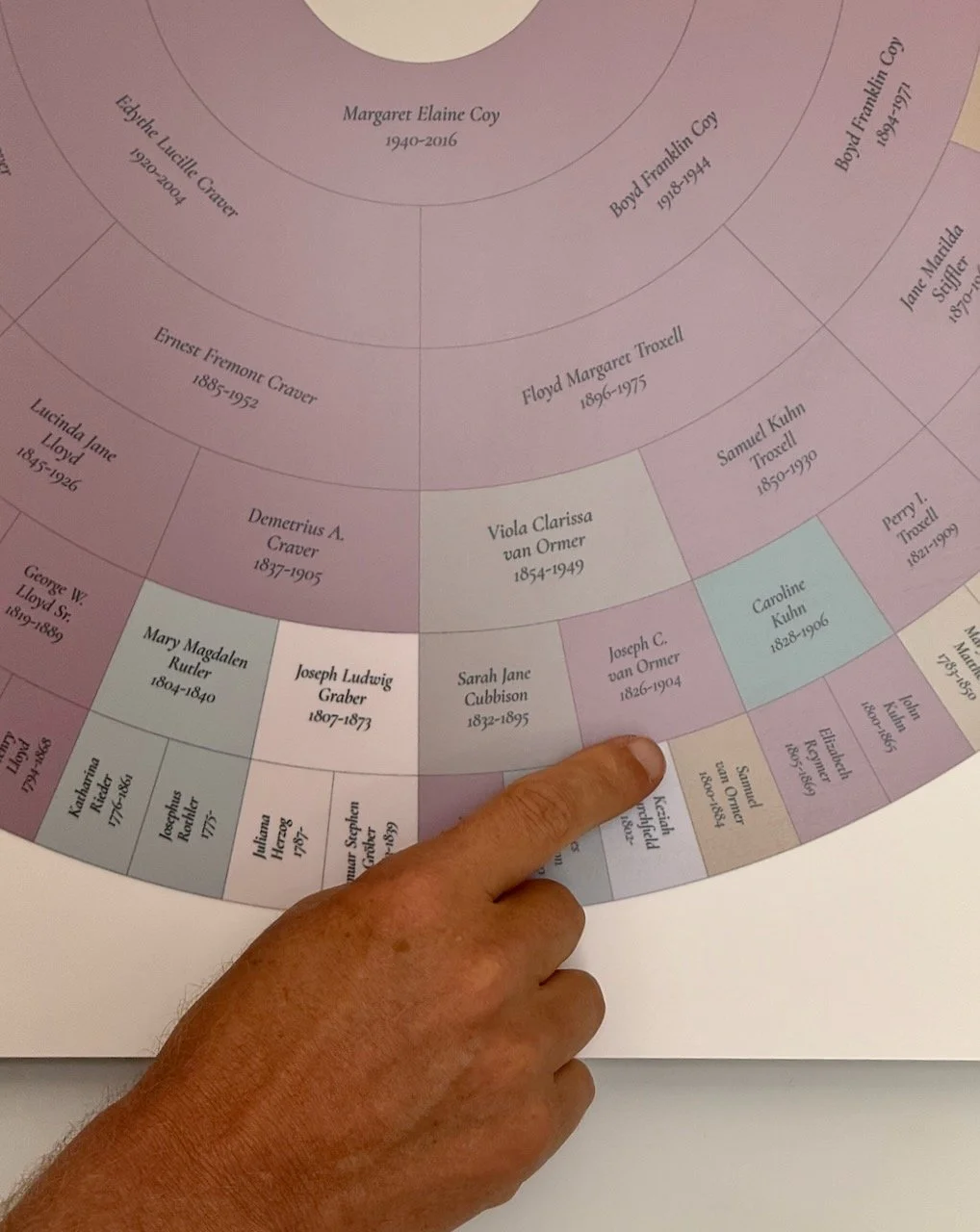
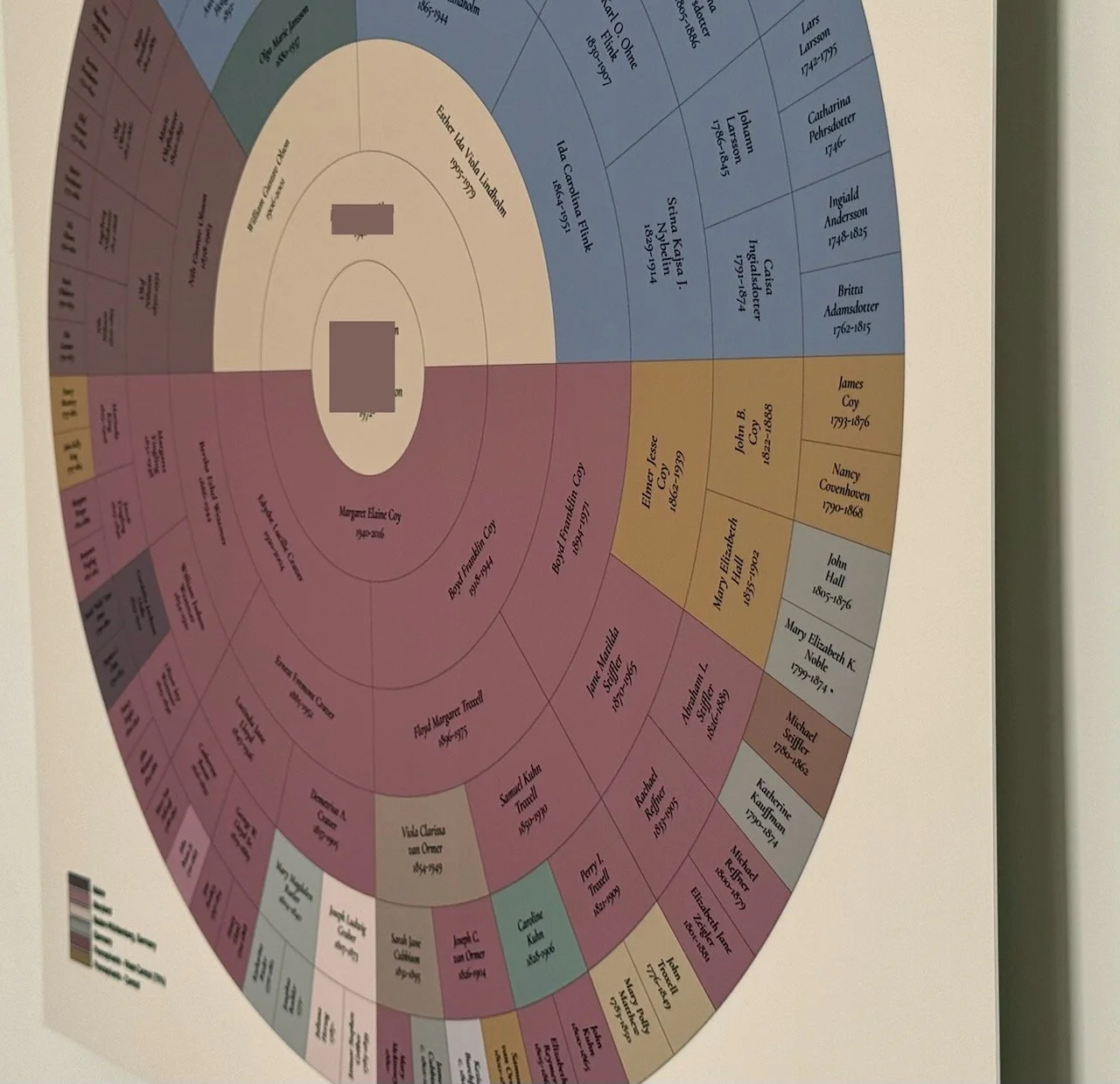
Names, dates, locations, colors, title, and dedication text are carefully arranged into a polished, readable design. If birthplace locations are included, your chart can also be color-coded by region to reveal patterns of family geography and migration.
Step 4: Review Your Digital Proof
Before anything is printed, you’ll receive a digital proof to review.
This is your opportunity to verify names, dates, title wording, color key labels, and the overall appearance of your chart.
Step 5: Approve Your Chart
Each order includes one round of minor corrections. Once your final proof is approved and the remaining balance is received, your chart is prepared for professional printing.
Step 6: Professional Printing & Delivery
Your approved chart is professionally printed on your selected material and prepared as a frameless heirloom display, ready to enjoy for generations.
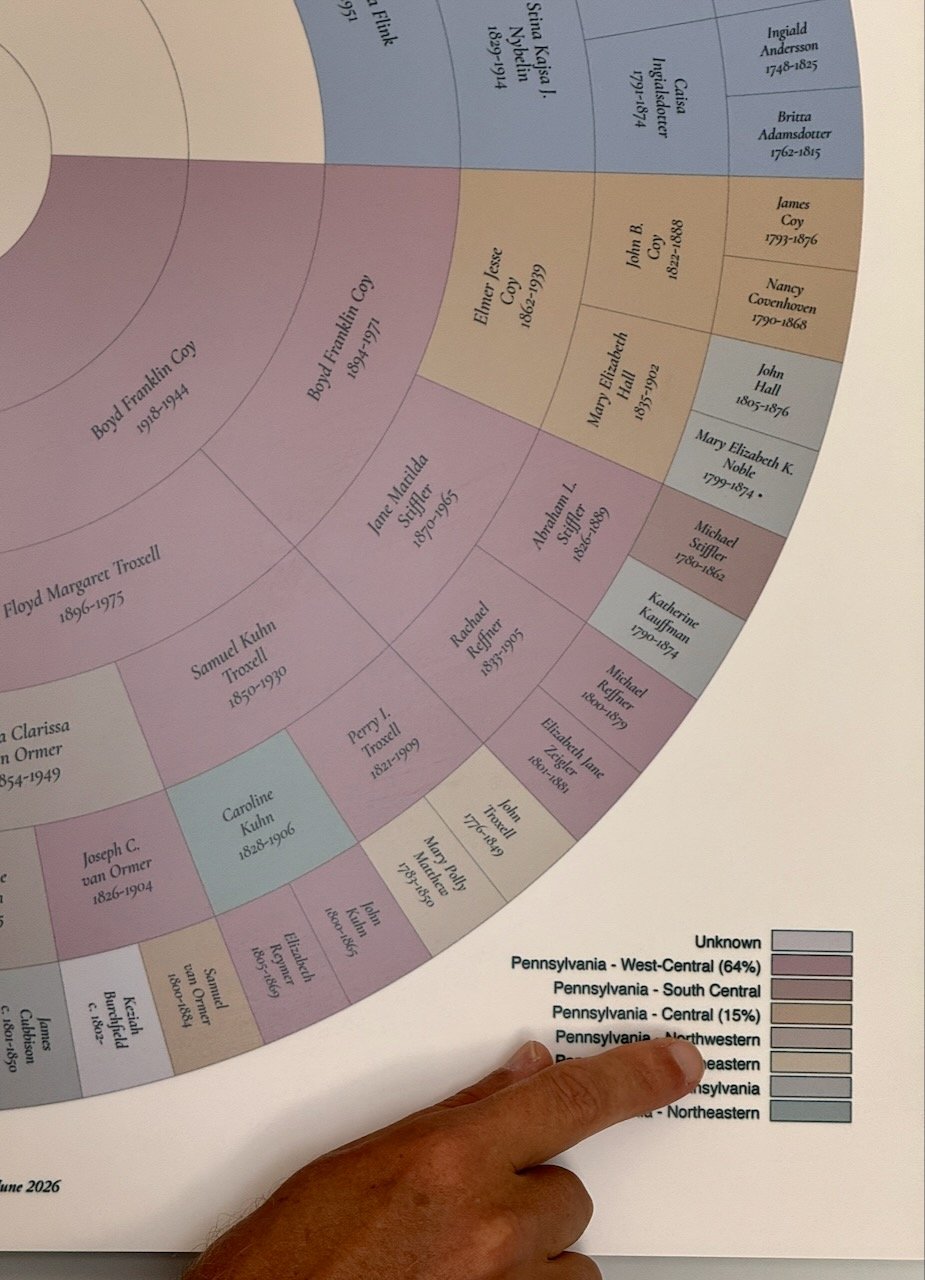
Here are three examples of how the same chart could be color-coded differently. The possibilities are endless, but finding the color combination that maximizes both clarity and aesthetic appeal is our specialty.
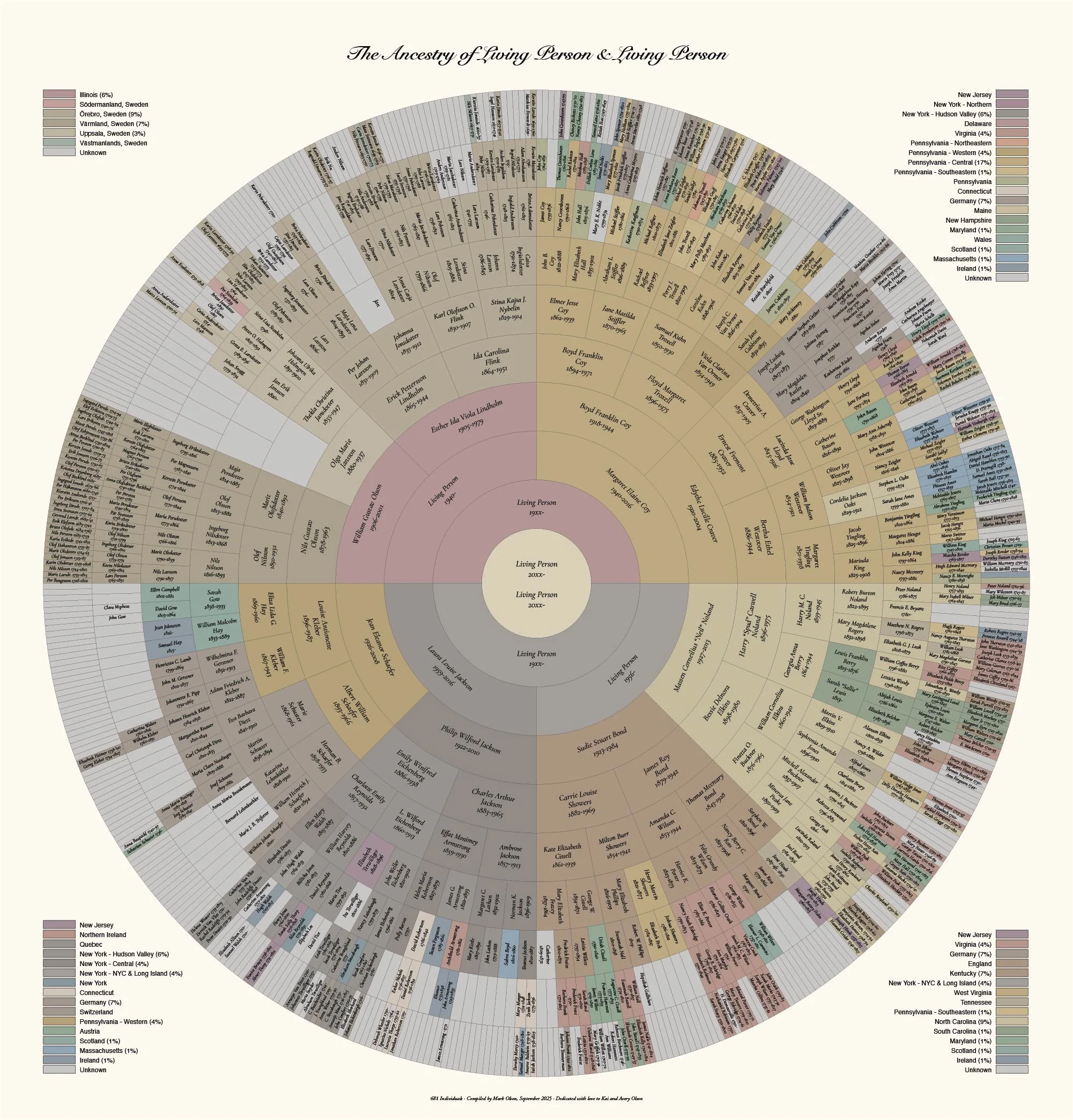
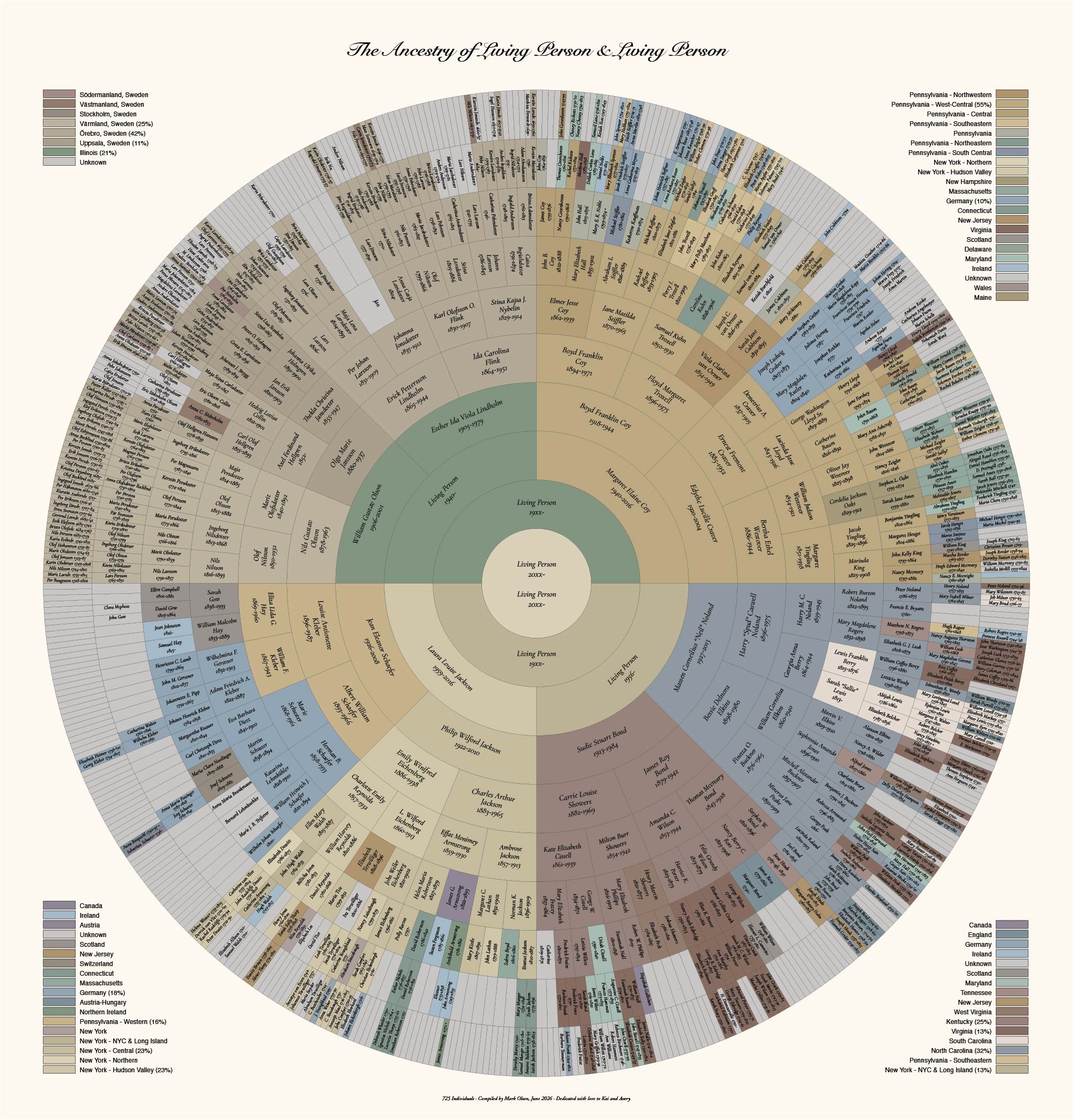
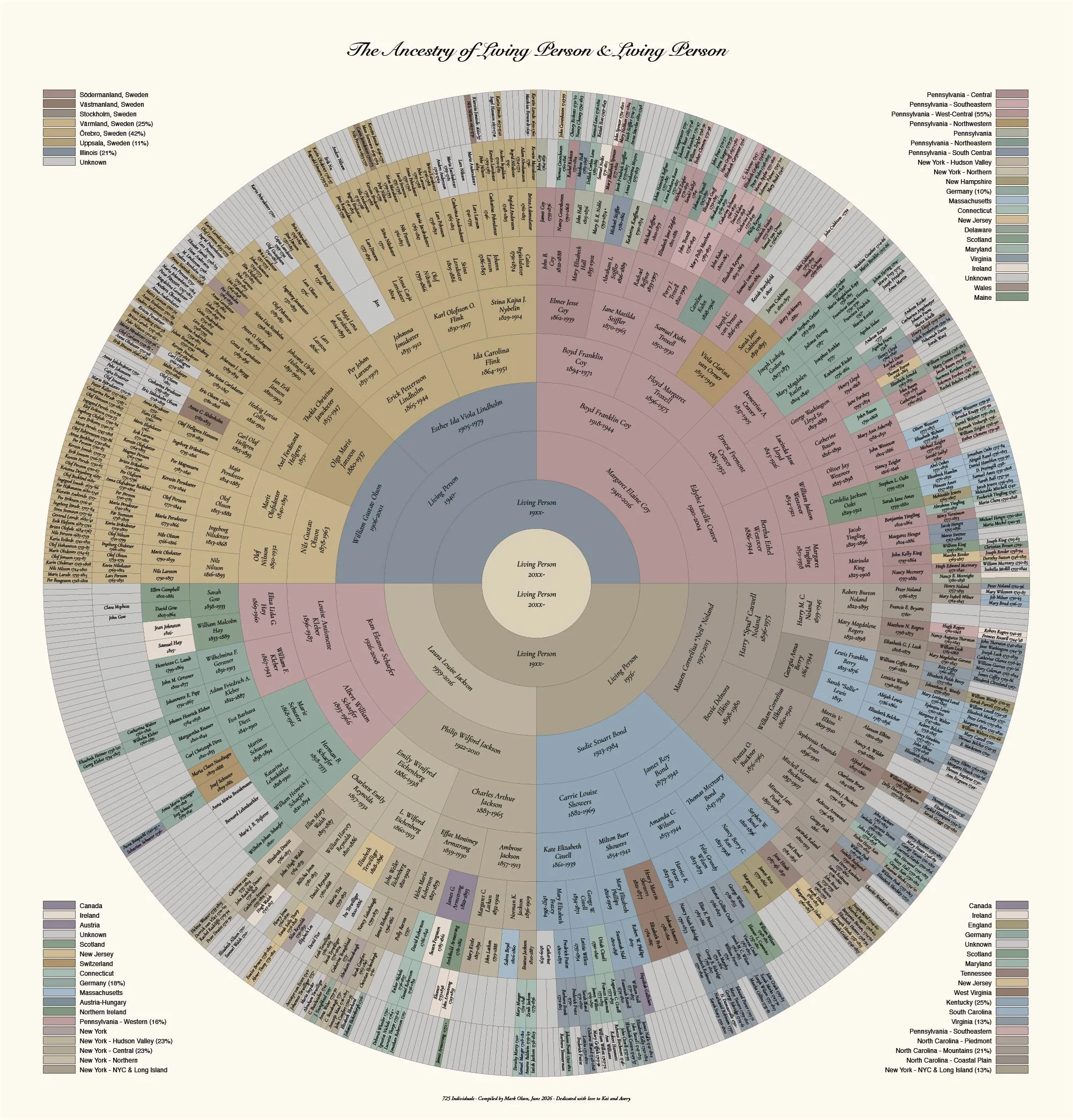
Regional coloring can be broad (state or country-based) or can break down states, provinces, and countries into smaller regions.
Most North American and European countries, as well as a few others, can be subdivided into regions. For reliable regional color coding, birthplace locations may need to be provided or standardized in English.
Regions that are prominent on the chart can be denoted in the color key with a %, if desired, to assist with chart clarity. This is usually helpful on a 10-generation chart but not necessary on a 5-generation chart.
What Should I Prepare?
Family Data
GEDCOM or CSV file with Full names
Birth and death years
Birth and death places when known
Parent-child relationships
Center person or people
Design Details
Preferred chart type size (5/7/10 generations)
Monochrome or colored regions
Metal or wood
Title wording (e.g. “The Ancestry of…” or “Family Tree for…”)
Decide whether the color key should list the percent area covered by a region
Dedication line, if any
Decide whether to specify the number of individuals listed in the chart
Decide whether to include print date
Proofing checklist
When you receive your proof, please check:
Spelling of all names
Birth and death years
Missing ancestors
Duplicate people
Title wording
Dedication or inscription text
Location labels and regional color key
Overall readability
Please do not rely on the chart proof as genealogical verification. The chart is created from the data provided. If the data contains errors, those errors may appear in the chart unless corrected before printing.
Questions about the process
-
A GEDCOM file is easiest, but organized spreadsheets or ancestor lists may also work. If you are not sure what you have, submit an inquiry and describe where your family tree is stored.
-
Check spelling, birth and death years, missing ancestors, duplicate people, title wording, dedication text, location labels, and overall readability.
-
Minor corrections include spelling changes, date corrections, title changes, or small updates to known information. Major changes, such as replacing large branches or changing the center person, may require a separate quote.
-
Yes. If particular regions matter to your family story, they can often be intentionally included when the available location data supports it.
-
Incomplete data is normal. The chart can leave unknown ancestors blank, use broader regional labels, or include placeholders where appropriate.